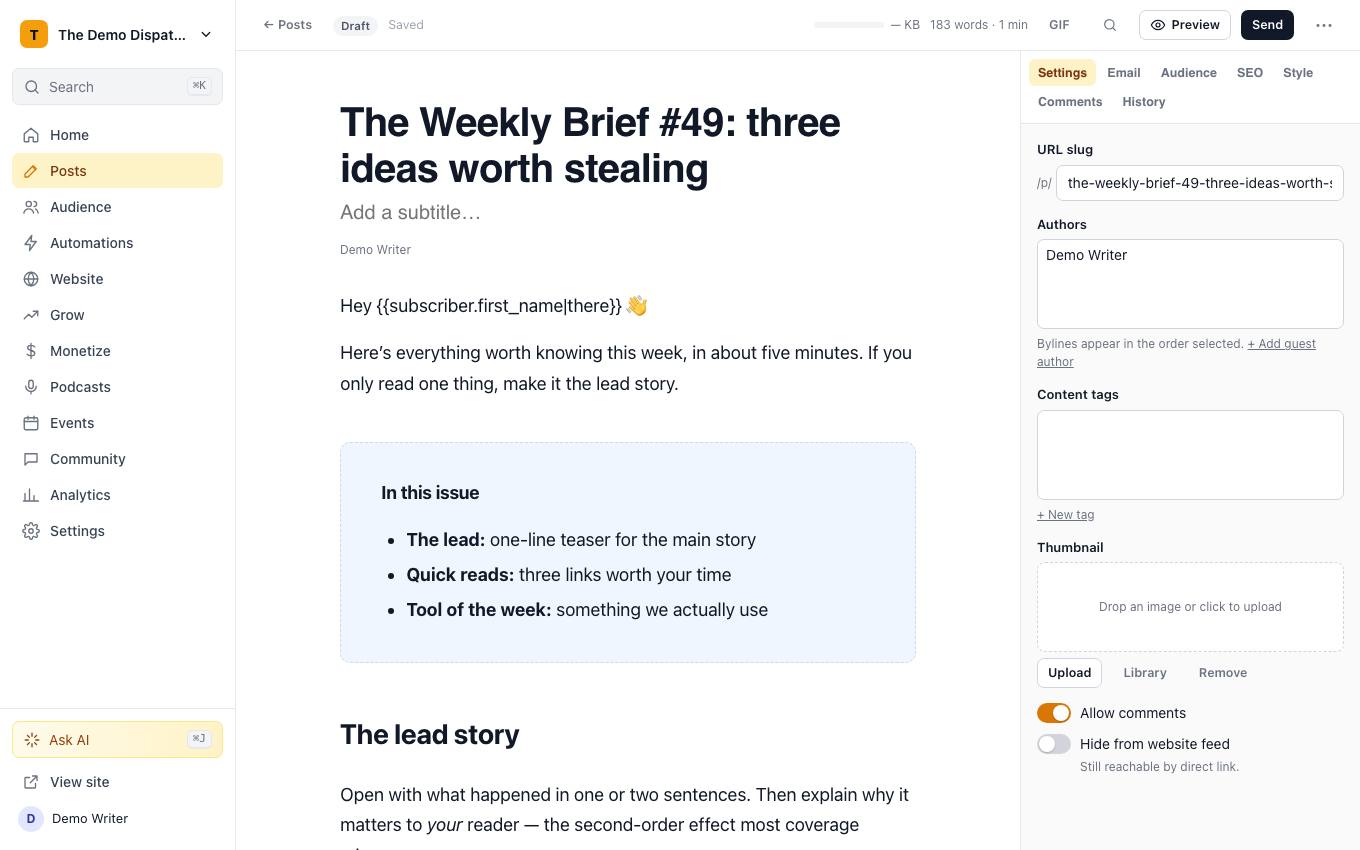
Posts → editor, with the slash menu, blocks and live preview. Live demo with sample data.
44 of 44 built
✓Built◐Partly built (it says what's missing)–Not something software can include
✓Content A/B and multivariate tests: up to 4 variants of subject, preview text, sender name and body, winner sent to the rest
✓Send-time optimization: each reader gets the email at the hour they usually open
✓Delivery by time zone: send at 9:00 in every reader's own time zone
✓A subject line helper with a live score, spam-word checks and AI suggestions
✓Reusable content blocks (snippets), synced everywhere they're used or inserted as a copy
✓Custom-coded email templates from your own HTML, with tracking and unsubscribe added
✓Personalized product recommendations in each email, based on what similar readers bought
✓A true WYSIWYG editor: no HTML required
✓Table-based, inline-styled email HTML that holds up in Outlook
✓Real-time collaborative editingEdits to the same paragraph merge as you type; only typing over the exact same words at the same moment keeps one version.
✓Dynamic content: different sections for different readers in one send
✓Separate email and web versions of every post, from one draftAny block can be set to email only or web only; media is swapped per version automatically.
✓Free and premium versions split by a paywall break
✓Merge tags, with a preview as any real or simulated subscriber
✓Templates with saved colors, fonts and spacing, plus a default style
✓Columns, tables, buttons, blockquotes, sections, attachments and a table of contents
✓Embeds for X, YouTube, TikTok, Instagram, Bluesky, Stocktwits and podcast episodesStocktwits has no official embed, so it shows as a link card.
✓Polls, referral blocks, recommendations and ad slots in the post
✓An AI writer, AI images and an AI assistant one shortcut away (⌘J)
✓Images resized and optimized however they're uploaded, including by URL and paste (Cloudflare Images)
✓A live size gauge that warns before Gmail clips your email
✓Custom HTML blocks, cleaned so a stray script can't break the post
✓Video, iframes and audio hidden in email and kept on the web
✓Links and buttons that click in Outlook
✓Vertical alignment in columns
✓Audio versions of every post (text to speech)
✓Random cohort sends to test different content
✓Slash commands
✓Markdown and keyboard shortcuts
✓Pasting from Google Docs with formatting intact
✓Search and replace across the post
✓Comment threads in the draft
✓Footnotes and citations in the inbox and on the web
✓Code blocks
✓AI rewrite, translate and fix grammar in place, keeping bold, links and footnotes
✓Autosave and version history
✓Subject line A/B tests in the send flow
✓Drag-and-drop images from your computer, media library or a URL
✓Rich-text image captions, titles and alt text
✓Audio files that play inline on the web
✓File attachments, like a PDF
✓Sections with their own backgrounds, borders and spacing, background images included in Outlook
✓Blockquotes with custom borders, colors and styles
✓Dividers and content breaks that render cleanly everywhere